How to Cancel a Signature Request
To cancel a signature request:
-
Go to the document edit page.
-
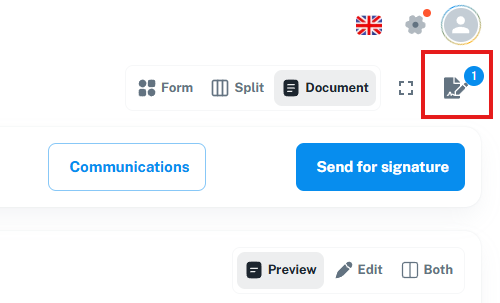
In the top-right corner, below the avatar, click the button to open the signature request page. If there are multiple requests, select the one you want to cancel.
-
If you just sent the request and don’t see the button yet, try refreshing the page.
-
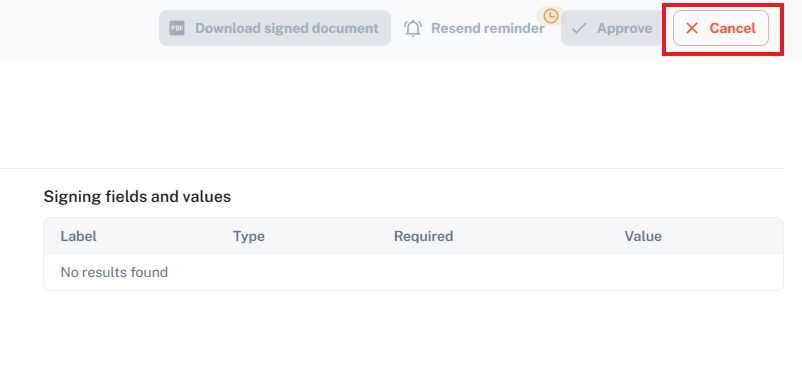
On the Signature Request page, click the “Cancel” button in the top-right corner to cancel the request.